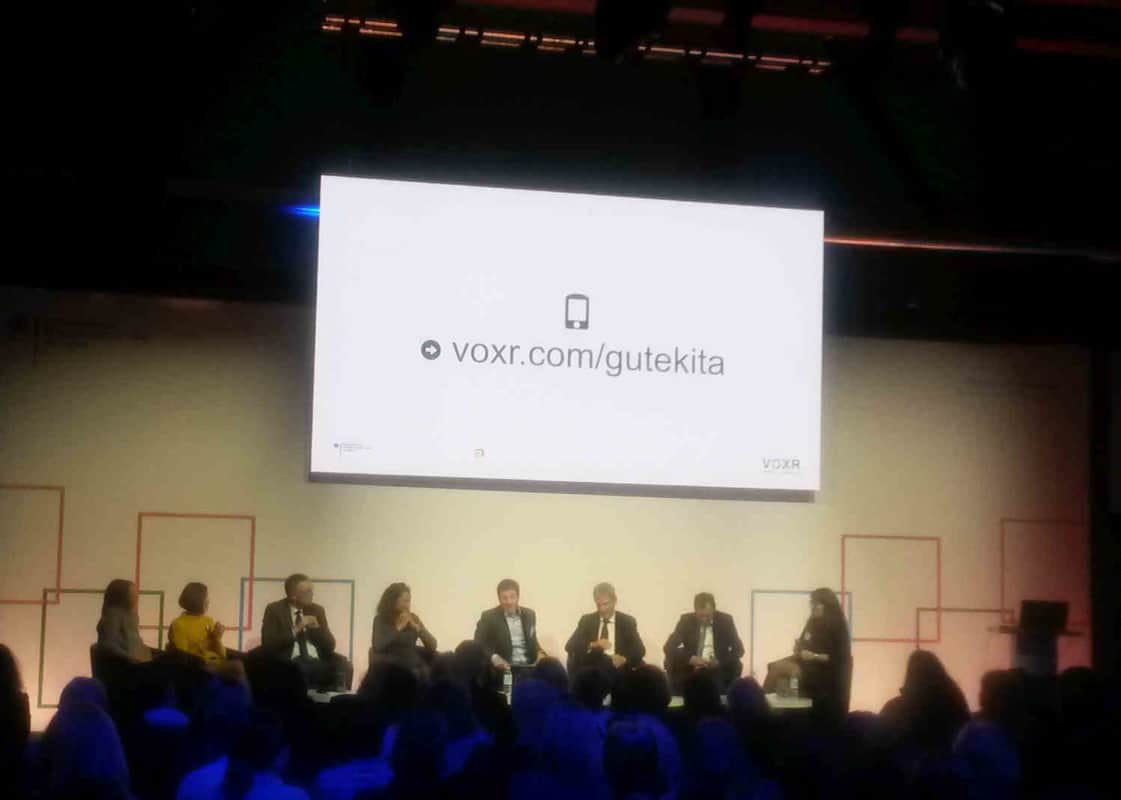
Gute Kita Audience
VOXR SMART Q&A

VOXR: Real dialogue at last.
For every event.
For every audience.

Hosts want maximum safety. Audiences only trust the process when it is transparent. SMART Q&A uniquely combines both.

RS

Seeing live at a glance which impulse the audience wants right now – that is a real innovation.

Rolf Schumann, CTO EMEA, SAP

The dilemma

Safety or transparency? Until now, you had to choose.

Hosts want control. Nothing inappropriate on the big screen. No nasty surprises. Ideally, every question should be reviewed first.

Audiences want openness. If I ask a question and nothing happens – was it ignored? Censored? Why should I participate if I cannot tell whether my voice counts?

Previous solutions force you to decide: either Silent Questions (safe but non-transparent) or Voted Questions (transparent but riskier). SMART Q&A solves this dilemma.

Host: “Full control!” Audience: “I want to see that something is happening!” 🤔
The key idea

Show topics – not questions.

That is the core idea of SMART Q&A: The audience sees live on the screen which topics move the room – as a word cloud. But they never see individual questions. This keeps the screen safe – while the process stays transparent.

💬

What the audience sees

A word cloud with topics such as “Strategy”, “Digitalisation”, “Work-life balance”. The audience recognises: my topic arrived. Something is happening. My voice counts.

🛡️

What the host controls

All individual questions in the backend – sorted by time or by topic. Undesired wording is absorbed in topic clusters and never appears on screen. Individual questions can be shown deliberately whenever needed.

Why this matters

What happens when audiences trust the process

📈

Up to 80% participation

Instead of 3 raised hands, everyone types at once. Anonymous, 30–60 seconds, no barrier. Because they can see their question has an impact.

🤝

A real trust signal

The audience sees the topic cloud and feels: this is not censorship, this is inclusion. That creates a completely different atmosphere from “Please submit questions in writing”.

🎯

Better answers

Speakers instantly see priorities and can address what moves the majority – instead of reacting to isolated questions that concern only a few.

SB

In the Q&A alone, where we usually get only a few questions, we received 60 questions from 100 participants this time – we found that fantastic.

Simone Böpple, Chemical & Pharmaceutical Development Biopharma, Merck

How it works

From question to dialogue in 3 steps

1

Collect

Everyone types questions on their phone at the same time – anonymous, in 30–60 seconds. Ideal as a focused action in the 8-1-8 format or continuously throughout the session.

2

Cluster

SMART clustering detects duplicates, merges topics and shows a word cloud on screen. The audience sees topics – never individual questions.

3

Answer

The speaker picks topics from the cloud and answers what moves the majority. In the backend, the host sees every individual question – sorted by time or topic.

Frequently asked questions

SMART Q&A in detail

Auto politeness filter: Runs automatically on all incoming questions and filters impolite or offensive content – before it even appears in the backend.

Topic clusters as a natural filter: Provocative wording is absorbed into topic clusters. On screen you might see “Salaries” – not the exact, potentially inappropriate individual phrasing.

Manual removal: The host can remove individual questions or entire clusters in the backend at any time.

You have two views in the backend:

Time view: All questions in chronological order – classic scrolling and reviewing.

Topic view: Questions grouped by SMART clusters – ideal for thematic moderation and spotting priorities.

By clicking the “eye” icon, you can deliberately show individual questions on screen – for example, if one question is particularly strong and you want to display it verbatim.

No. SMART clustering is visible only to the host in the backend. On screen, the audience sees only the topic word cloud – and on mobile, the question input field. The detailed clustering with individual questions remains your internal moderation tool.

Yes. You can turn the SMART Cloud on and off on screen at any time (“Show result” set to grey). Then the audience sees only the QR code and link on screen – while questions continue arriving in the backend. This gives you full flexibility: show the cloud when the moment is right, hide it when it is not.

No. SMART Q&A fundamentally works without AI. SMART clustering is based on intelligent text analysis. Optionally, AI can enhance filtering, prioritising and multilingual summarisation – but it is never the core.

Silent Questions: Maximum safety – the audience sees nothing. But: no trust signal, lower participation.

Voted Questions: Maximum transparency – everyone sees all questions and votes. But: individual wording is visible, higher risk.

SMART Q&A: Combines both – topics are visible (transparency), individual questions are not (safety). The sweet spot for most events.

Compare all 3 question formats →

Perfectly. 8-1-8 SMART Presenting means: 8 minutes impulse, 1 minute to collect SMART Questions, 8 minutes dialogue based on the topic cloud. SMART Q&A is the tool that enables the “1” moment and the dialogue that follows. The format is flexible – 12-1-12 or 20-1-20 work just as well.

Try SMART Q&A.

Experience transparency and safety – for free.